OrderMap vs Sierra Chart: Scope, Control and Data Discipline
Compare a configurable chart-study workflow with connected options and futures analytics, focusing on data definitions, profiles and replay requirements.
By OrderMap Research4 min read
On this page
For an established Sierra Chart user, changing platforms is a migration of research assumptions. Session templates, tick storage, studies and replay settings often encode years of decisions. An alternative should earn attention by solving a concrete problem without making those assumptions harder to inspect.
This documentation-based comparison was checked on October 19, 2026. OrderMap publishes it and has a commercial interest in its product. We have not independently benchmarked Sierra Chart or audited every supported data service and package.
Start with the studies, then the workflow
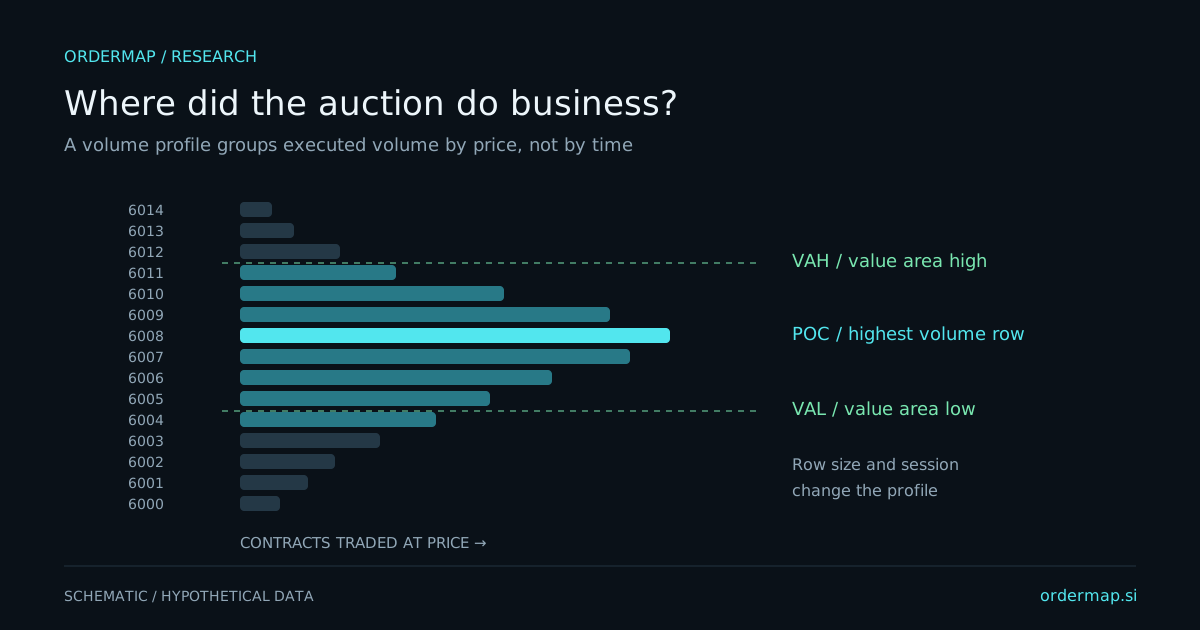
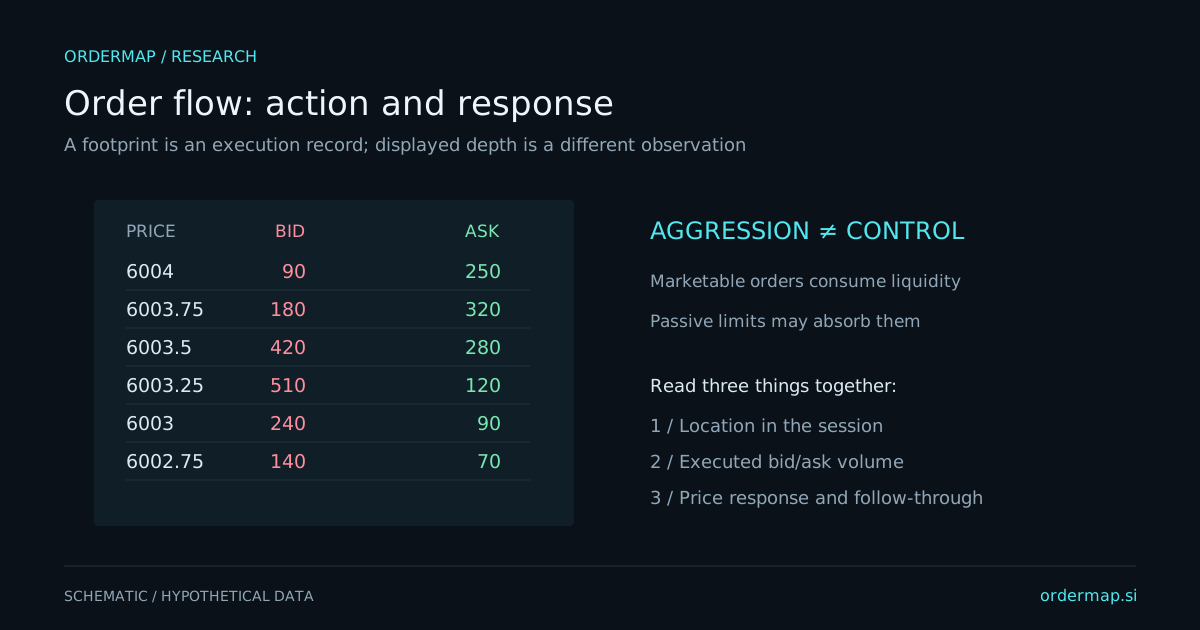
Sierra Chart documents Numbers Bars, Volume by Price and a Market Depth Historical Graph. These provide clear reference points for footprint-style execution analysis, profiles and captured-depth visualization.
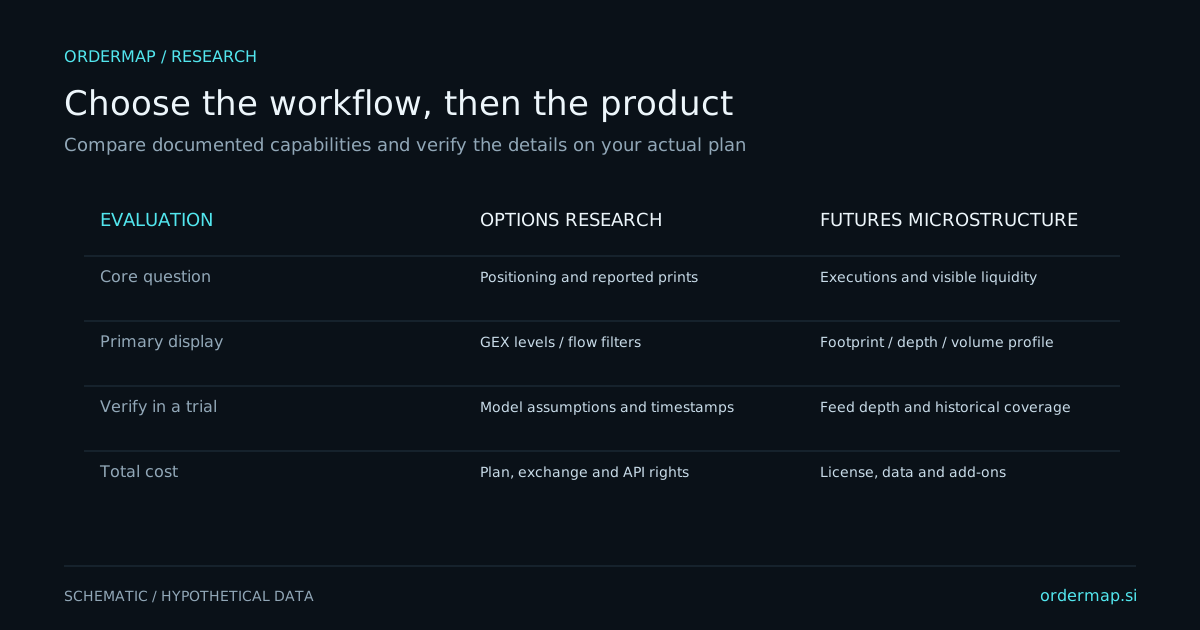
OrderMap puts futures executions, footprint and session profile alongside options analytics in one terminal. Its potential fit is a trader who wants to move between these domains without building the entire research routine around separately configured chart studies.
That difference is a starting point, not a verdict. Extensive configurability can be valuable when your process depends on a precise study definition. A more integrated workflow can be valuable when reducing repeated interpretation work matters more than reproducing a highly specialized arrangement.
| Essential requirement | Sierra Chart documentation anchor | OrderMap evaluation task |
|---|---|---|
| Bid/ask execution detail | Numbers Bars | Match native contract and grouping, then inspect rows |
| Volume distribution | Volume by Price | Confirm session and viewport scopes are understood |
| Historical displayed depth | Market Depth Historical Graph | Check captured intervals and current-book distinction |
| Chronological review | Chart replay documentation | Confirm available tape and playback coverage |
| Options context | Verify the exact external or integrated workflow | Inspect exposure and options flow beside futures analysis |